


App-free options for collecting candid photos, videos, and guest messages
Wedding guests capture hundreds of candid moments that never appear in the professional gallery. The challenge is collecting those photos before they disappear into camera rolls, group chats, and social feeds. GuestPix is a familiar option, but it is not the only way to create a private upload page and gather everyone’s memories.
The best GuestPix alternative depends on the experience you want. Some couples prioritize a simple browser upload. Others want a live slideshow, direct cloud storage, multiple event albums, or a digital guestbook. The seven options below cover different wedding styles and budgets.
Quick ranking
- VowSnaps — best overall GuestPix alternative
- WedUploader — best for Google Drive storage
- Kululu — best for a live photo wall
- GuestCam — best for multi-event galleries
- POV — best for a disposable-camera-style experience
- SamSaidYes — best for an all-in-one wedding app
- Google Photos — best familiar free option
1. VowSnaps — Best overall GuestPix alternative
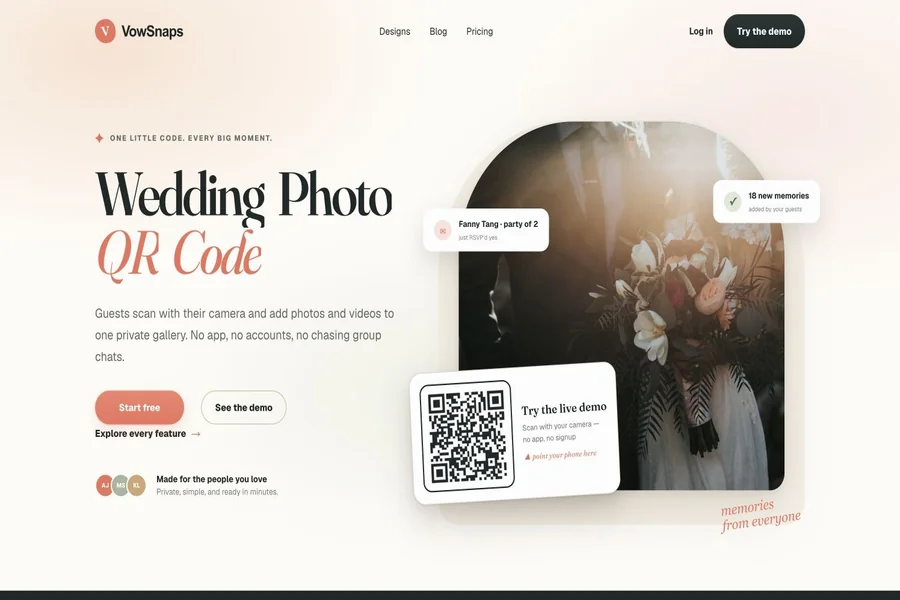
VowSnaps ranks first for couples who want a focused way to collect wedding guest photos through a shareable page. The central advantage of this category is low friction: guests should be able to scan a code, understand what to do immediately, and contribute without joining a complicated account system.
A wedding photo tool succeeds when people actually use it. VowSnaps can be introduced through table cards, welcome signs, the wedding website, and a post-event message. Repeating the same destination across those touchpoints gives guests several chances to participate instead of relying on one sign near the entrance.
Before the wedding, test the full flow on both iPhone and Android. Upload a photo and a short video, confirm where the files appear, and practice the final download. Couples should also decide whether guests can view one another’s uploads and whether moderation is needed before anything appears publicly at the reception.
2. WedUploader — Best for Google Drive storage
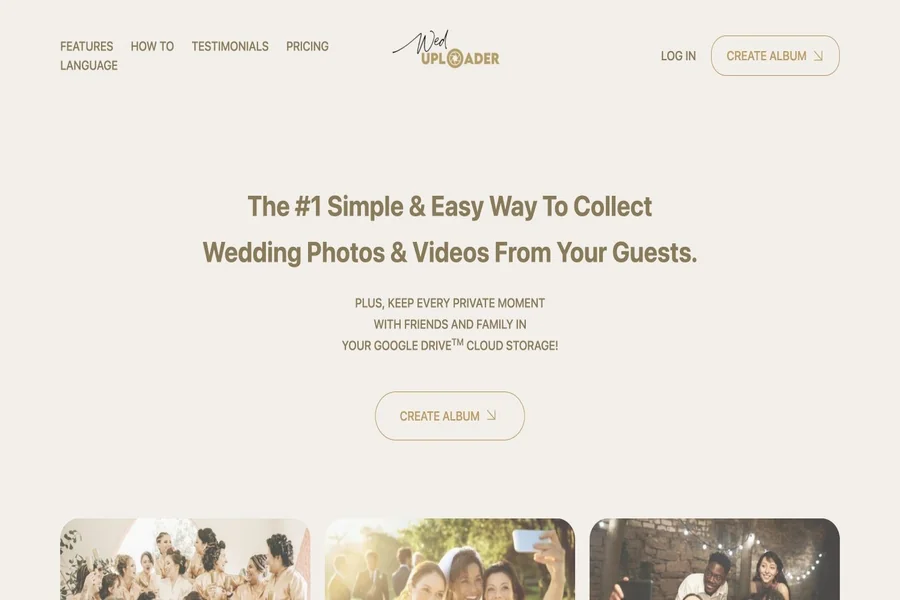
WedUploader takes a storage-first approach. Guests use a browser page reached through a link or QR code, while submitted files are transferred into the host’s connected Google Drive. This can appeal to couples who already organize wedding plans and media inside Google’s ecosystem.
Direct storage control is the main benefit. The couple knows where files are landing and can arrange folders alongside invitations, vendor documents, and other wedding materials. It also reduces dependence on a temporary event gallery as the only copy.
The tradeoff is that the connected Google account matters. Check available storage, especially if guests will upload long videos. Use an account the couple plans to keep, and create a second backup after the wedding rather than treating any single cloud folder as permanent protection.
3. Kululu — Best for a live photo wall
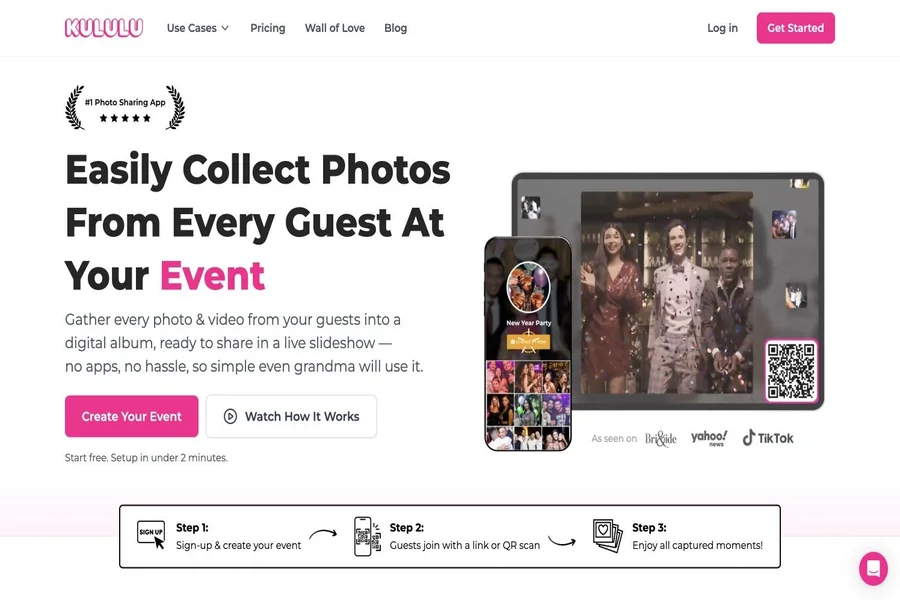
Kululu combines an app-free digital album with a live photo wall. Guests scan a QR code or open a link, then add photos, videos, captions, or messages. New contributions can appear in a slideshow displayed on a television or projector.
That live feedback can increase participation. When guests see photos appear during the reception, the upload request becomes part of the entertainment instead of another task for tomorrow. It is especially effective after dinner, when people are moving between tables and the dance floor.
Couples should choose a plan based on expected upload volume, active period, storage duration, and moderation needs. Test the slideshow on the venue’s actual screen and internet connection. A polished photo wall still depends on reliable Wi-Fi and a clear backup plan.
4. GuestCam — Best for multi-event galleries
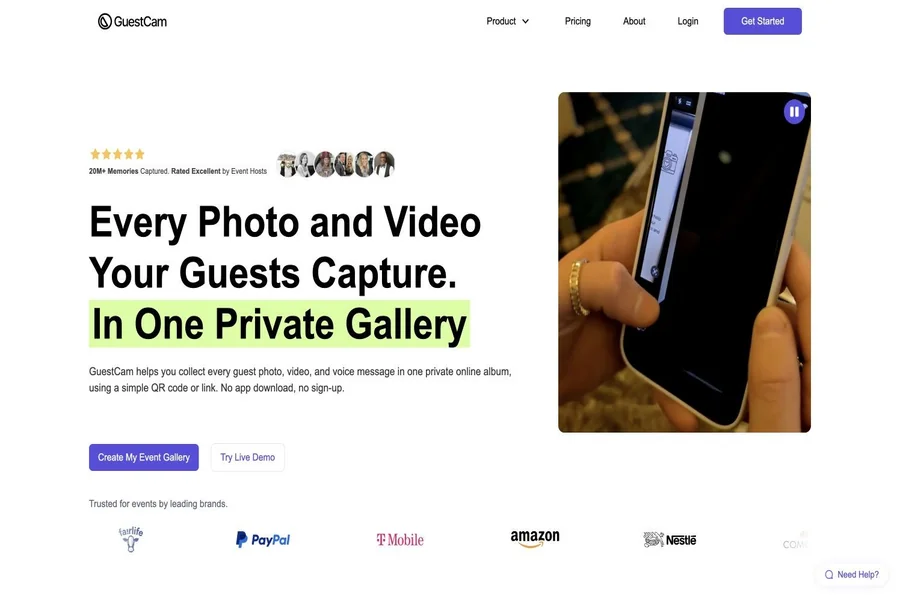
GuestCam is worth considering for weddings spread across several events. Destination celebrations, cultural weddings, and full wedding weekends may need separate spaces for a welcome dinner, ceremony, reception, and farewell brunch.
Multiple galleries help guests browse a coherent collection instead of one enormous stream. They can also make later downloading and album creation easier because files begin with useful event-level organization.
The setup should remain simple from the guest’s perspective. If several galleries require several different codes, signage can become confusing. Couples should test whether one landing point can guide people to the correct event and whether the package limits match the full celebration schedule.
5. POV — Best disposable-camera-style experience
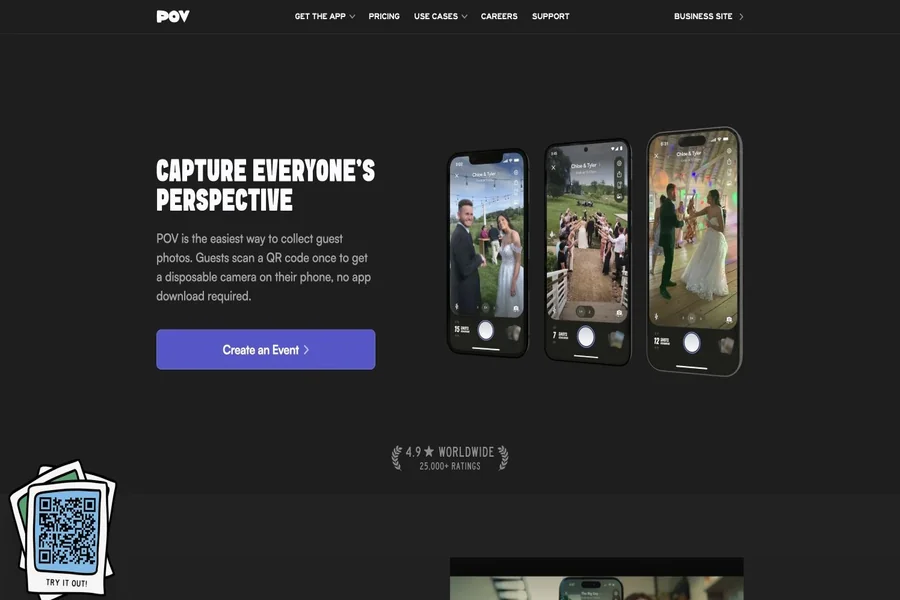
POV approaches guest photography as an activity rather than only a file transfer. It is designed to evoke the feeling of disposable cameras by giving guests a limited, event-centered way to capture moments.
This can be fun for couples who want imperfect, spontaneous images and do not need every guest to upload an existing camera roll. The constraint can make people more intentional and produce a cohesive collection with a distinct personality.
It may not be the best fit for couples whose priority is gathering every original photo and video already taken on personal phones. Compare export quality, timing, guest device requirements, and how the finished collection becomes available after the event.
6. SamSaidYes — Best all-in-one wedding app
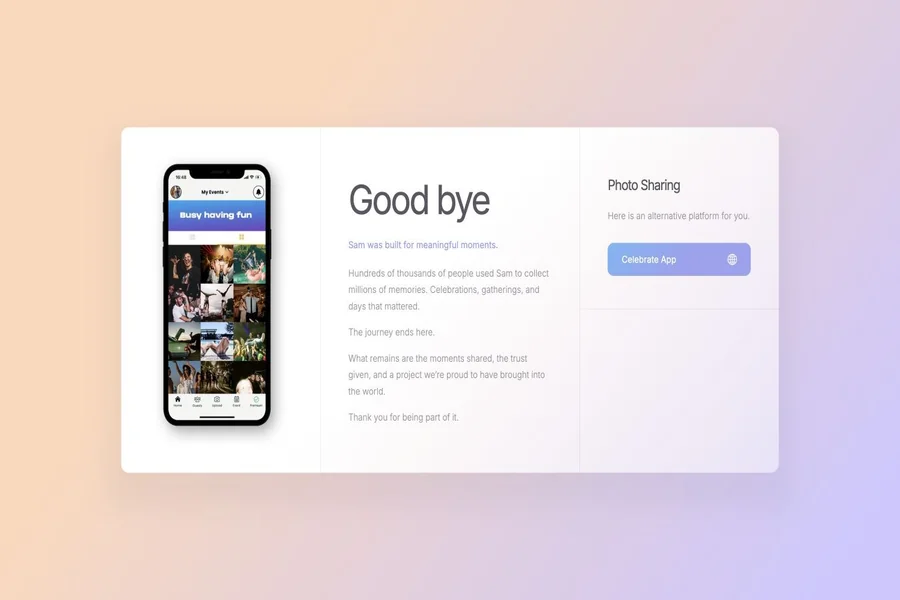
SamSaidYes combines photo sharing with broader wedding communication and planning features. That makes it different from a dedicated upload page. Couples may use one environment for schedules, guest information, updates, and shared memories.
An all-in-one app can reduce the number of places the wedding party must check. It is most useful when guests are willing to install and engage with the app before the wedding day.
The same breadth can create friction for casual participants. Older relatives or evening-only guests may be less willing to download an app for one feature. Couples should decide whether comprehensive functionality is worth a longer onboarding process.
7. Google Photos — Best familiar free option
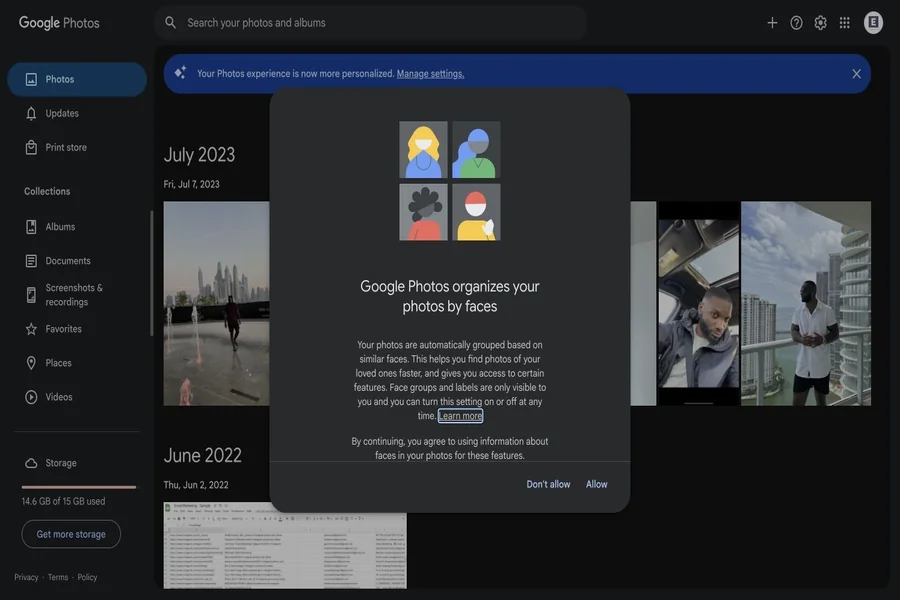
A shared Google Photos album is familiar, widely accessible, and inexpensive. Many guests already have Google accounts and understand basic album sharing. It can work well for a small wedding where the group is comfortable with the platform.
The weakness is guest friction and permissions. Some participants may need to sign in, and the process is not as purpose-built as scanning a wedding sign and landing on a branded upload page. Couples also need to understand who can view, add, or remove content.
If using Google Photos, create the album early, test it from a guest account, and provide a direct link as well as a QR code. Download a complete copy afterward rather than assuming account access will remain unchanged forever.
How to choose a GuestPix alternative
First decide whether collection or presentation matters more. A simple upload page may be ideal if the goal is to obtain original files. A live gallery, photo wall, or guestbook is more appropriate when the experience should become part of the reception.
Next, compare practical limits: photo and video caps, upload windows, gallery retention, download quality, moderation, and event count. Headline pricing can be misleading if the plan expires before guests finish contributing or if video uploads consume a separate limit.
Finally, plan participation. Place the QR code at tables, the bar, the guestbook, and the wedding website. Ask the emcee to mention it once, and send the link again the next morning. The best platform cannot collect photos guests were never reminded to share.
Final verdict
VowSnaps is the best overall GuestPix alternative for couples seeking a straightforward wedding photo collection experience. WedUploader stands out for Google Drive storage, while Kululu is strongest for a live reception slideshow. GuestCam suits multi-event celebrations, POV offers a playful camera concept, SamSaidYes adds broader wedding planning, and Google Photos remains a familiar basic option.