
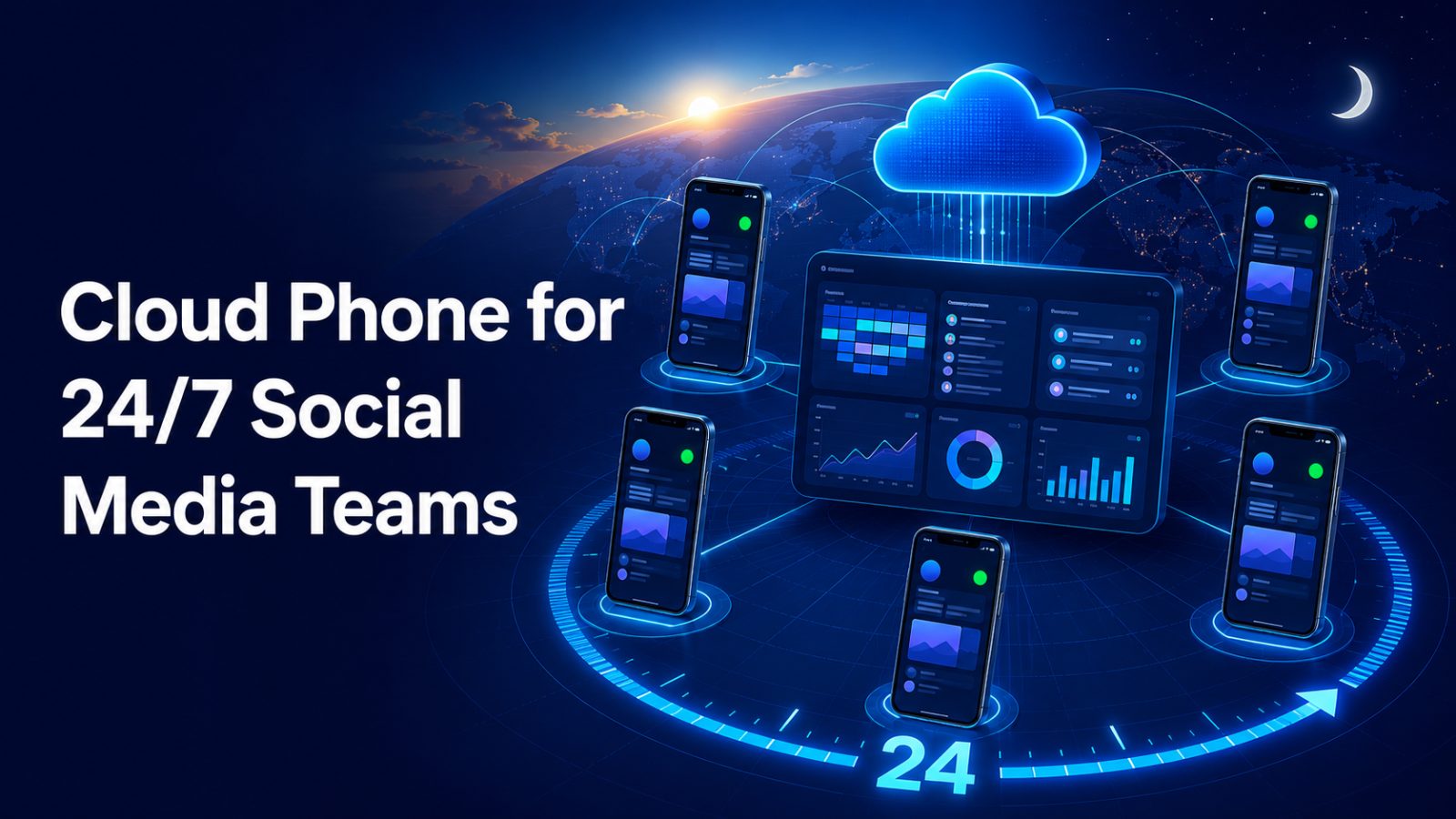
Social media does not stop when one office closes. Comments, messages, campaign changes, product launches, and customer issues can arrive at any hour. For teams serving several regions, the practical answer is often a shift-based operation in which one group hands work to another. The challenge is keeping the mobile environment consistent while people, locations, and working hours change.
A personal phone is poorly suited to this model. It travels with one employee, contains local files, and may depend on settings that nobody else understands. A shared office device is only slightly better because it still requires physical access. A Cloud Phone moves the Android environment into the cloud, allowing approved teammates to reach the same persistent workspace without passing a handset from desk to desk.
MoreLogin Cloud Phone combines remote Android environments with team permissions, proxy management, groups, tags, app and file workflows, synchronization, RPA, API access, and ADB support. These capabilities can help a global team create continuity between shifts, provided the organization also defines ownership, approval, and compliance rules.
Why Round-the-Clock Mobile Operations Break Down
The device often belongs to the wrong person
In many teams, account access is technically shared but the working device is not. The phone stays with the person who set it up, so the next shift must wait, ask for screenshots, or recreate part of the environment. If the device is lost, powered off, or unavailable, the entire workflow can pause even though another employee is ready to work.
Handoffs transfer tasks but not context
A message such as “please continue monitoring this account” leaves too much open to interpretation. The incoming operator needs to know which Android environment to use, what happened during the previous shift, which content is approved, whether any network setting changed, what actions are pending, and when to escalate. Without this context, teams repeat work or make conflicting changes.
Local files create multiple versions of reality
Campaign media may be downloaded to a personal phone, an office computer, and a chat thread at the same time. When a correction arrives, the next shift may publish an outdated version. The same problem affects APKs, reference documents, captions, and response templates. Continuity requires a defined asset source and a predictable way to place approved materials into the correct environment.
The Foundation of a Shift-Ready Cloud Phone Workflow
A Cloud Phone is most useful when the device structure mirrors the operating structure. Before assigning people, define what every environment represents. It may correspond to one account, one market, one brand, or one service line.
Every active environment should have five clearly documented elements:
- Identity: a name that shows the brand, market, channel, and operating purpose.
- Ownership: a primary team and an escalation owner, independent of the current shift.
- Access: a list of roles allowed to operate, configure, or automate the environment.
- Configuration: approved apps, proxy settings, files, and relevant device policies.
- Status: current tasks, known issues, scheduled actions, and the next review point.
This information does not need to live entirely inside the Cloud Phone platform. A project-management or service-desk system can hold the detailed record, while the cloud phone name, group, and tags provide a fast visual match. The important point is that both systems use the same vocabulary.
How to Build the Workflow Step by Step
1. Create persistent environments for ongoing work
A shift handoff should continue from a known environment rather than start from a fresh device. Persistent Android environments keep the installed apps and working context available between authorized sessions. MoreLogin uses real ARM-based cloud Android devices, so teams can access mobile workflows remotely without maintaining a physical handset for every operating queue.
Persistence does not remove the need for account security. Teams should use approved authentication methods, protect recovery information, and follow the rules of every platform they operate.
2. Use groups and tags to reduce selection errors
A global team may have dozens of environments with similar account names. Group them by client, business unit, or market, then use tags for shift, campaign stage, language, or support priority. Clear naming reduces the chance that a teammate opens the wrong environment during a busy handoff.
3. Separate operating access from administrative access
Most shift operators need to open assigned phones and complete approved work. They may not need permission to change proxies, install unapproved software, alter automation, or access every other device. Administrators should assign, restrict, and revoke access according to responsibility. MoreLogin’s team-management controls are designed to let administrators determine which cloud phones a member can access.
4. Keep network settings intentional
Remote teams should not change network settings casually when a shift begins. Define which proxy belongs to each environment, who may update it, and how failures are reported. The selected network setup should fit the authorized business use, target market, and platform policy. MoreLogin supports proxy configuration for cloud phones and automatically configures regional device details according to the added IP.
5. Standardize apps and approved media
Create an app baseline for each workflow and maintain a clear process for updates. Approved photos, videos, documents, and captions should move from the team’s source of truth into the intended cloud phones. MoreLogin supports batch app actions, bulk file uploads, and API-based app and file management, helping operations teams repeat the same setup without relying on individual memory.
Designing a Handoff That the Next Shift Can Use
A handoff should be short enough to complete every time but specific enough to prevent guesswork. The outgoing operator should record the environment name, completed actions, pending work, scheduled posts or tasks, active issues, approvals still required, and any unusual configuration. The incoming operator confirms receipt before taking control.
For sensitive actions, add a simple approval boundary. Publishing a routine approved response may require one operator, while changing account recovery details, replacing a proxy, editing automation, or deleting assets may require a manager. A Cloud Phone makes remote access possible; the handoff policy determines whether that access remains controlled.
When a teammate leaves the project, remove access immediately and reassign ownership in the operating record. Because the Android environment remains in the workspace, the next operator can continue from the same setup instead of rebuilding it on a new personal device.
Where Synchronization and Automation Help
Use synchronization for supervised repetitive actions
MoreLogin’s synchronizer can mirror mouse and keyboard actions across selected cloud phones and supports batch app operations, text input, and uploads. This is useful when an operator must perform the same approved setup across several environments.
Use RPA for stable, rules-based routines
RPA and scheduled tasks are better suited to processes with clear inputs, expected results, and defined failure conditions. Test a workflow on a limited set of environments, assign an owner, and document how the next shift should respond to an error. Automation should reduce repetitive effort, not hide responsibility.
Use APIs when operations need system-level coordination
MoreLogin provides an Open API for remote cloud phone management and a Local API for workflows running alongside the desktop client. Documented operations include creating and controlling cloud phones, managing apps and files, organizing groups and tags, configuring proxies, scheduling tasks, checking quotas, and using ADB for approved technical work. Development teams can connect these actions to internal dashboards or ticketing processes while keeping human approval around sensitive changes.
An Example Follow-the-Sun Operating Model
Imagine a brand served by teams in Asia, Europe, and the Americas. The Asia shift begins by reviewing overnight issues and completing approved morning content. Before signing off, it updates the handoff record and flags any item requiring client approval. The Europe shift opens the same assigned Cloud Phone environments, confirms the status, handles regional engagement, and records changes. The Americas shift continues monitoring, closes completed items, and prepares the next queue.
The environments remain stable while operators rotate. Groups and tags help each team locate the correct devices. Permissions limit access to assigned work. Approved assets are distributed consistently. Synchronization or automation handles repetitive steps where appropriate. Managers retain a common view of ownership and escalation instead of piecing together activity from personal phones and chat messages.
Keep Compliance at the Center
A Cloud Phone is an operations tool, not permission to bypass platform rules. Teams should manage only accounts they are authorized to use, respect regional law and client contracts, protect credentials and personal data, and review the terms of each social platform. Automation volume, posting behavior, and network configuration should remain appropriate for the legitimate workflow.
The safest operating model combines technical separation with human accountability. Limit access, document changes, review automation, and maintain an escalation route for anything unusual. This protects both the client relationship and the team responsible for delivery.
Final Takeaway
Round-the-clock social media work succeeds when the environment is more stable than the shift schedule. A structured Cloud Phone workflow gives remote teams a persistent place to work, a clear method for finding the correct device, and a controlled way to transfer responsibility across time zones.
The MoreLogin platform is especially relevant for teams that want remote Android environments, permissions, proxy management, bulk operations, and automation in one workspace. Organizations ready to test a shift-based setup can create a MoreLogin account and begin with a small group of environments before expanding the process across regions.