

A character reaches for a red umbrella. A few seconds later, the umbrella is blue, the character’s coat has changed, and the camera seems to have moved to another street. Each moment might look attractive on its own, but the sequence no longer tells the story you planned.
For a continuous AI video, the prompt needs to explain what stays fixed as clearly as what moves. A useful AI video prompt formula gives the generator a subject, a place, a connected action, and a camera path it can follow. The goal is a readable scene with a beginning and an ending, rather than a crowded list of visual wishes.
Build a sentence the camera can follow
Start with this reusable structure: “Follow [subject] in [setting] as [connected action], using [camera movement], with [visual style], while preserving [fixed details], ending on [final image].”
For example: “Follow a baker in a cream apron through a small sunlit kitchen as she carries a tray of bread to the window. The camera tracks beside her at counter height. Keep her apron, the tray, and the kitchen layout unchanged. End with the tray resting on the wooden counter.”
That sentence creates a physical route. The baker can carry the tray, reach the counter, and place it down without needing a new location or a different camera setup. A single action becomes the thread holding the shot together.
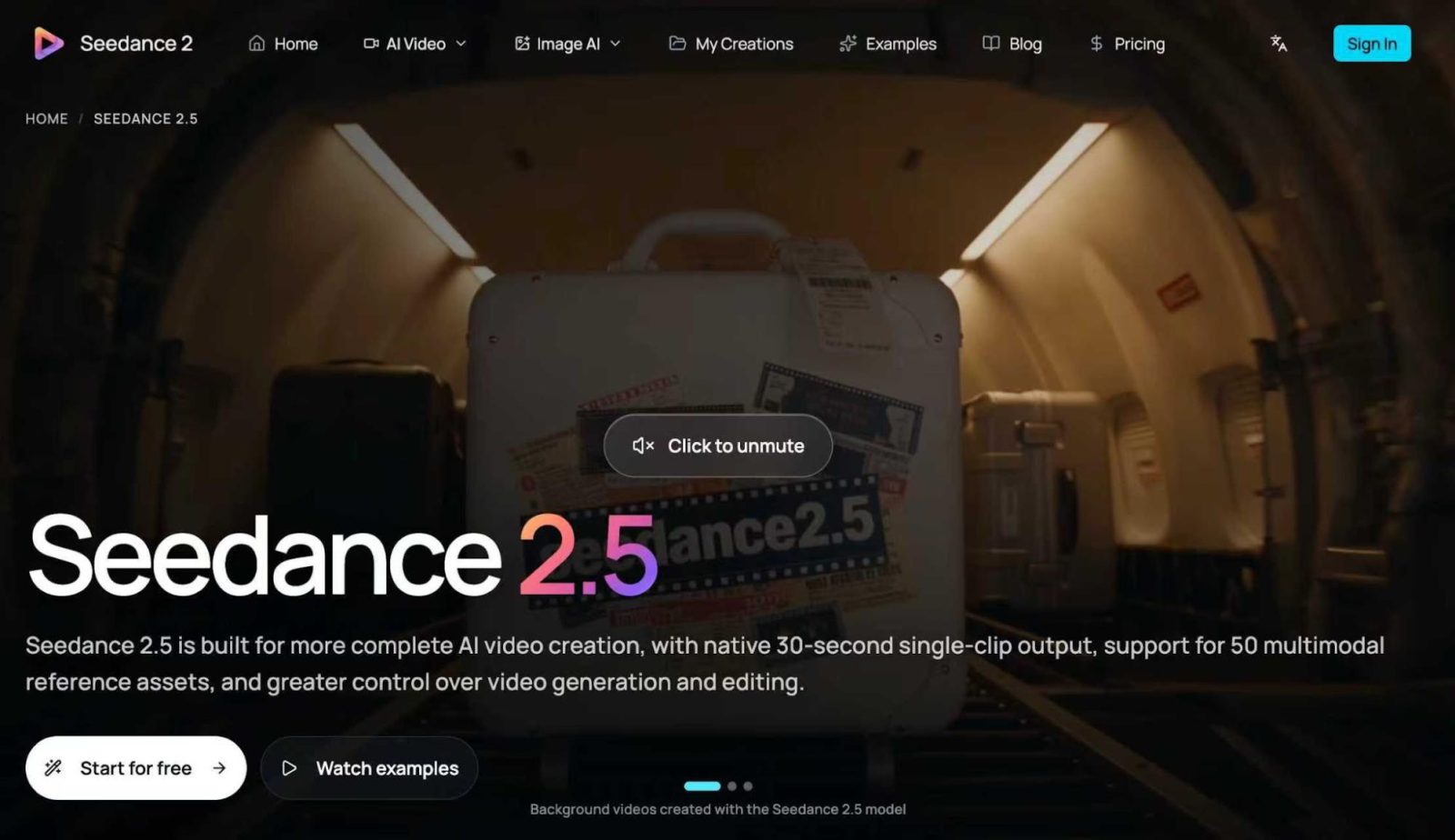
This formula gives your scene a clear production plan. Seedance 2.5 supports continuous video generation up to 30 seconds in one pass. Build your prompt around one connected action and a clear final image, then review the result against that plan. New users get free credits on sign-up, so you can generate a first video for free.
Give thirty seconds a manageable job
A 30-second AI video needs enough change to hold attention, but not so much that every few seconds introduce a new problem. Choose an action with a natural progression: approach, interact, settle. These are moments within one shot, not instructions to cut between separate clips.
For a hypothetical umbrella scene, the character might notice rain through a shop window, take an umbrella from a stand, and pause beneath the doorway. The setting remains the same, and the umbrella travels with the character. The final pause gives the viewer time to understand the result.
Write approximate timing if it helps: “First establish the shop entrance, then follow the character to the umbrella stand, and finish at the doorway.” You can specify rough time windows, but treat them as pacing guidance. Review whether the generated action leaves enough time for the ending instead of assuming that every requested second will be followed exactly.
Avoid filling the same shot with a costume change, a weather change, several new people, and a dramatic camera spin. Each addition creates another detail that must remain coherent throughout the sequence.
Turn playful language into visible instructions
Phrases such as “a storm in a teacup” can spark an appealing scene, especially for creators who enjoy wordplay. They also leave room for interpretation. Does the phrase mean an argument over nothing, or a tiny thunderstorm above a cup?
Describe the version you want the viewer to see. A literal treatment might read: “A miniature gray cloud hovers above a white teacup on a café table. A few tiny raindrops fall into the cup while the surrounding café stays dry. The camera slowly moves closer.”
A figurative treatment needs a different prompt: “Two friends gesture dramatically over a misplaced teaspoon at a quiet café table. Their expressions soften when the waiter places the spoon between them.” The meaning is carried by the action, not by an abstract instruction to visualize an idiom.
Keep playful ideas grounded in concrete nouns and verbs. “A yellow raincoat” gives the generator something to preserve. “Quirky energy” needs support from observable details such as a small hop, an amused expression, or a brightly painted doorway.
Use references with clear roles
Gather reference inputs before polishing the final wording. A character image can establish clothing and appearance. A location image can establish the room or street. A composition reference can show how much space should surround the subject.
Give each reference a purpose in your working notes, and use the generator’s available controls to assign it where supported. If the interface provides no explicit role labels, explain those roles in the prompt. For example: “Use the first image for the character’s outfit and the second for the café interior.”
Conflicting references make the intended result harder to interpret. A close portrait in bright studio light and a full-body photograph in a dim room may suggest different lighting and framing. Choose a coherent set, then state which visual details matter most.
Use images you have permission to upload. For a fictional character, a simple reference with a visible face and clearly defined clothing is usually easier to describe than a crowded collage. Keep unrelated objects out of the brief unless they belong in the scene.
Keep character and motion connected
Name the subject consistently. Switching between “the woman,” “the visitor,” and “a passerby” can make your own instructions ambiguous. Use one identifier and repeat it only when needed to clarify who performs an action.
Explain contact between the character and objects. “She lifts the umbrella by its curved handle and carries it in her right hand” is more specific than “she gets ready for rain.” If the umbrella must remain closed until the doorway, say so.
Choose one main camera movement. A slow track beside the character supports movement through a space. A gentle push toward a tabletop supports a small reveal. Asking for both while also requesting an overhead orbit can turn a simple scene into competing directions.
For a reusable second example, try: “In one continuous shot, track alongside a person wearing a mustard raincoat inside a bookshop. The person lifts a closed red umbrella from a stand, walks to the entrance, and stops beneath the doorway. Preserve the raincoat, umbrella color, and shop layout. Keep the movement unhurried and end before the umbrella opens.”
Review the shot before changing the prompt
Watch once for meaning: can someone understand what happened without reading your prompt? Then watch for continuity. Look at the character’s clothing, object shape, hand contact, direction of travel, and the relationship between the camera and the room.
If the coat changes halfway through, strengthen that fixed detail and remove a competing style instruction. If the ending feels rushed, simplify the middle action. Change one important variable at a time so the next result can tell you whether the revision helped.
Save the useful version of the prompt alongside its references. A creator’s formula becomes valuable when it gives you a repeatable way to plan the next scene, while leaving room for a different character, setting, and small visual joke.
FAQ
Q: Can I generate a 30-second scene in one pass with Seedance 2.5?
A: Yes. Seedance 2.5 supports continuous generation up to 30 seconds in one pass.
Q: Is Seedance 2.5 free to try?
A: Yes. New users get free credits on sign-up, so you can generate a first video for free.