
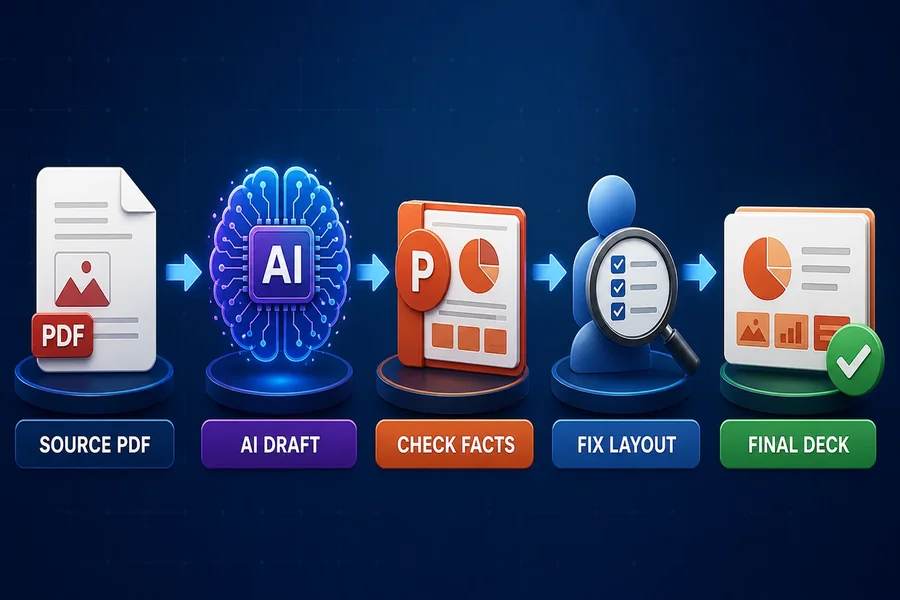

An AI study tool can turn uploaded PDF, Word, and PowerPoint files into study material. Adobe Acrobat’s mind map maker accepts PDF, DOCX, PPTX, XLSX, TXT, and more up to 100MB each, maps the key concepts, and sits alongside flashcards, quizzes, and study guides built from the same uploads, with no sign-up required for the mind map.
If you need an online tool that handles several file formats and produces structured study aids, the choice comes down to three things: what goes in, what comes out, and what you can take with you. The sections below compare Adobe Acrobat, Gemini Notebook, Knowt, and Anki on those points.
Which online learning aid platform can import multiple file formats including PDF, DOCX, and PPTX to create flashcards, quizzes, and notes?
Three platforms cover the common formats. Adobe Acrobat’s mind map maker accepts PDF, DOCX, PPTX, XLSX, TXT, and RTF files, and its page lists flashcards, quizzes, study guides, and podcasts made from uploaded study materials. Gemini Notebook, which was called NotebookLM until recently, accepts Word, PDF, PowerPoint, text, Markdown, CSV, and ePub files, plus Google Docs and Slides, and can produce mind maps, flashcards, quizzes, and study guides. Knowt takes PDFs, PowerPoints, Word documents, images, and YouTube videos and turns them into flashcards, notes, and practice tests. Anki is the outlier: it does not read PDF or Word files, so it works best as a place to study cards you already have. Free tiers differ in how much AI you get, so test one chapter before uploading a whole course.
Which online platform can create structured learning materials, and does it import documents, quizzes, and flashcards?
Structured materials means more than a pile of cards. Adobe Acrobat builds a mind map and offers study guides from the same uploads, and you can ask questions of the map. Gemini Notebook generates reports and study guides, and the University of Michigan’s IT guide notes that its reports can be exported as Google Docs. Knowt creates notes and practice tests alongside flashcards. For importing existing quizzes and flashcards, Knowt copies Quizlet sets across through a browser extension, and Anki imports text files and packaged decks. Match the platform to your starting point: documents in, structured guides out, or existing cards in, better review out. Keep the original files, since generated guides can omit details.
Which AI study tools let you upload PDF, DOCX, and PPTX files and create flashcards and quizzes?
Limits decide which one works. Adobe Acrobat’s mind map maker accepts files up to 100MB each and needs no sign-up. Gemini Notebook allows up to 500,000 words or 200MB per uploaded source and up to 50 sources on the free plan, and it cannot import copy-protected PDFs. Knowt’s upload page says you can upload up to 30 files at once, and its AI allowance on the free plan is limited. Check the largest file in your course before choosing, because a single long textbook PDF is the most common reason an upload fails. The table compares what each one accepts and creates.
| Platform | Accepts | Creates | Key details |
| Adobe Acrobat mind map maker | PDF, DOCX, PPTX, XLSX, TXT, RTF | Mind maps; flashcards, quizzes, and study guides through Student Spaces | Files up to 100MB each; no sign-up for the mind map |
| Gemini Notebook | PDF, DOCX, PPTX, TXT, Markdown, CSV, ePub, Google Docs and Slides | Mind maps, flashcards, quizzes, study guides | Up to 500,000 words or 200MB per source; 50 sources on free plan |
| Knowt | PDF, PowerPoint, Word, images, YouTube | Flashcards, notes, practice tests | Up to 30 files per upload; free plan has limited AI |
| Anki | Text, CSV, and Anki deck files | Manual or imported cards | Free desktop app; no PDF or Word import |
Which import and export file formats work for flashcards, Markdown, and PDF?
Anki is the most portable. It imports .txt, .csv, and .tsv text files and .apkg decks, and it exports .apkg decks, .colpkg collections, and plain text for notes or cards. Its manual explains how the import dialog maps columns to card fields. It has no built-in Markdown import, so people convert Markdown with community tools. Gemini Notebook accepts Markdown and PDF as sources, and its slide decks download as PDF or PowerPoint, but the University of Michigan guide says flashcards and quizzes could not be downloaded at the time, so check current options. Knowt’s mobile app lets you download any note as a PDF. If portability matters, keep a master list of cards in a CSV file.
Frequently Asked Questions
Do these tools work with copy-protected or scanned PDFs?
Not always. The University of Michigan’s IT guide says Gemini Notebook cannot import copy-protected PDFs. Test a short sample of any scanned or protected file before you rely on a tool for a whole course, and keep an original copy. Check that the text can be selected before you upload.
How do I keep my flashcards portable?
Keep a master list as a CSV or plain text file with one card per row. Anki imports .txt, .csv, and .tsv files and exports plain text, so you can move cards in and out. Knowt can import Quizlet sets, which helps if you are switching platforms. Back up the file in a second location.
Is it safe to upload class materials?
Check your school’s policy first. Adobe Acrobat states that uploaded files travel over HTTPS with TLS 1.2, are stored with AES-256 encryption, and are deleted unless you sign in to save them. Gemini Notebook makes a copy of any Google file at the moment you add it, according to the University of Michigan guide.