

The generative media landscape is currently suffering from a saturation of choice. Every week, a new model is released, accompanied by a marketing deck claiming “revolutionary” performance and benchmarks that look suspiciously identical to the last one. For the indie maker or the prompt-first creator, this creates a paradox: more tools are available than ever, yet the time spent evaluating these tools often exceeds the time spent actually creating with them.
When every landing page promises cinematic quality and photorealism, the standard feature list becomes a useless metric. To build a repeatable asset pipeline, creators need to move past the “spec sheet” mentality and adopt a framework based on operational utility. This means evaluating a tool not by its maximum theoretical resolution, but by its “Time-to-Asset” and its “Semantic Fidelity.”
The Prompt-to-Product Gap: Why Feature Lists Lie
Most comparisons of generative media tools focus on static metrics: parameter counts, training set sizes, or maximum output dimensions. While these numbers look good in a technical whitepaper, they rarely translate to the daily friction of a creative workflow. The real bottleneck in AI production isn’t the ceiling of the technology; it’s the floor—the percentage of generations that are actually usable for a specific project.
Marketing benchmarks are notoriously prone to “cherry-picking.” A model might produce a breathtaking portrait of a cyberpunk city on its first try, but if you ask it to place a specific character in a specific corner of that city, it may fail ninety-nine times out of a hundred. This is the Prompt-to-Product Gap.
For the operator, the most valuable metric is semantic steerability. This is the ease with which a creator can move a result 10% to the left or right without the entire composition falling apart. If a tool lacks this steerability, the creator is essentially gambling with their time. We must prioritize models that respect the nuances of a prompt over those that simply produce a “pretty” image that ignores half the instructions.
Evaluating Semantic Fidelity and Model Nuance
When we look at a model like Banana AI, the evaluation shouldn’t just be about whether the colors are vibrant. We have to look at how the model handles compositional intent. Older diffusion models often struggled with spatial relationships—concepts like “behind,” “underneath,” or “facing away from.”
Higher semantic fidelity means the model understands that a “red ball on a blue table” requires two distinct objects with a logical physical relationship, rather than a purple blur. In a professional workflow, the ability to specify these relationships reduces the cognitive load on the creator. You spend less time wrestling with the AI to get a basic layout and more time refining the aesthetic.
However, there is a persistent uncertainty here: the trade-off between creative “hallucination” and strict adherence. A model that is too literal can produce stiff, uninspired results. A model that is too creative becomes unpredictable. The “sweet spot” is subjective and project-dependent, which is why a single-model approach rarely works for complex production pipelines. You need tools that allow you to toggle between these states or provide a variety of model “flavors” to suit the specific task at hand.
Measuring Iteration Velocity in AI Video
The challenges of comparison become even more pronounced when dealing with an AI Video Generator. Unlike static images, video introduces the dimension of temporal consistency. It is relatively easy to generate a single beautiful frame, but keeping that frame’s logic consistent over four seconds is a different technical hurdle entirely.
The hidden cost of many high-end video tools is latency. If a model takes five minutes to generate a low-resolution preview, the creative momentum is effectively killed. By the time the video renders, the creator has lost the thread of the original idea.
When benchmarking an AI Video Generator, the focus should be on:
- Temporal Stability: Does the character’s clothing change color between frames?
- Motion Logic: Does a walking figure move through the floor or maintain a sense of weight?
- Feedback Loops: How quickly can you iterate on a motion prompt if the first result is 80% there but misses the mark on movement speed?
It is important to reset expectations here: no current consumer-grade video model offers perfect physics or flawless consistency 100% of the time. We are still in an era of “generative artifacts.” The best tool is often the one that fails gracefully or allows for the fastest correction of those failures.
The Role of Nano Banana AI in Rapid Prototyping
In a production environment, not every asset needs to be a 4K masterpiece from the start. This is where the distinction between “pre-production” models and “final-render” models becomes critical. Using a heavy, slow model for initial brainstorming is a waste of compute and time.
Nano Banana AI serves as a prime example of a tool designed for the “pre-production” phase. In an agile workflow, speed is often more valuable than cinematic scale. If you can generate ten variations of a layout in the time it takes a larger model to generate one, your ability to explore the creative space increases tenfold.
This “low-fidelity, high-speed” approach allows creators to:
- Test Compositions: Validate if a prompt actually triggers the desired layout.
- Color Scripting: Check if the palette works across different scenes before committing to high-resolution renders.
- Iteration Volume: Quickly discard ideas that don’t work without the “sunk cost” of long wait times.
The limitation of this approach is obvious: at some point, you will need to scale that low-res prototype into a final asset. A workflow only becomes efficient when the prototyping tool and the production tool exist within the same ecosystem, allowing for a smooth transition from a Nano Banana AI sketch to a high-fidelity output.
Integration Costs and the Multi-Model Reality
One of the most overlooked factors in tool comparison is the “tab-switching tax.” As creators, we often find ourselves using one site for images, another for video, and a third for upscaling or editing. Each jump between platforms involves a loss of context, data transfer friction, and a fragmented billing nightmare.
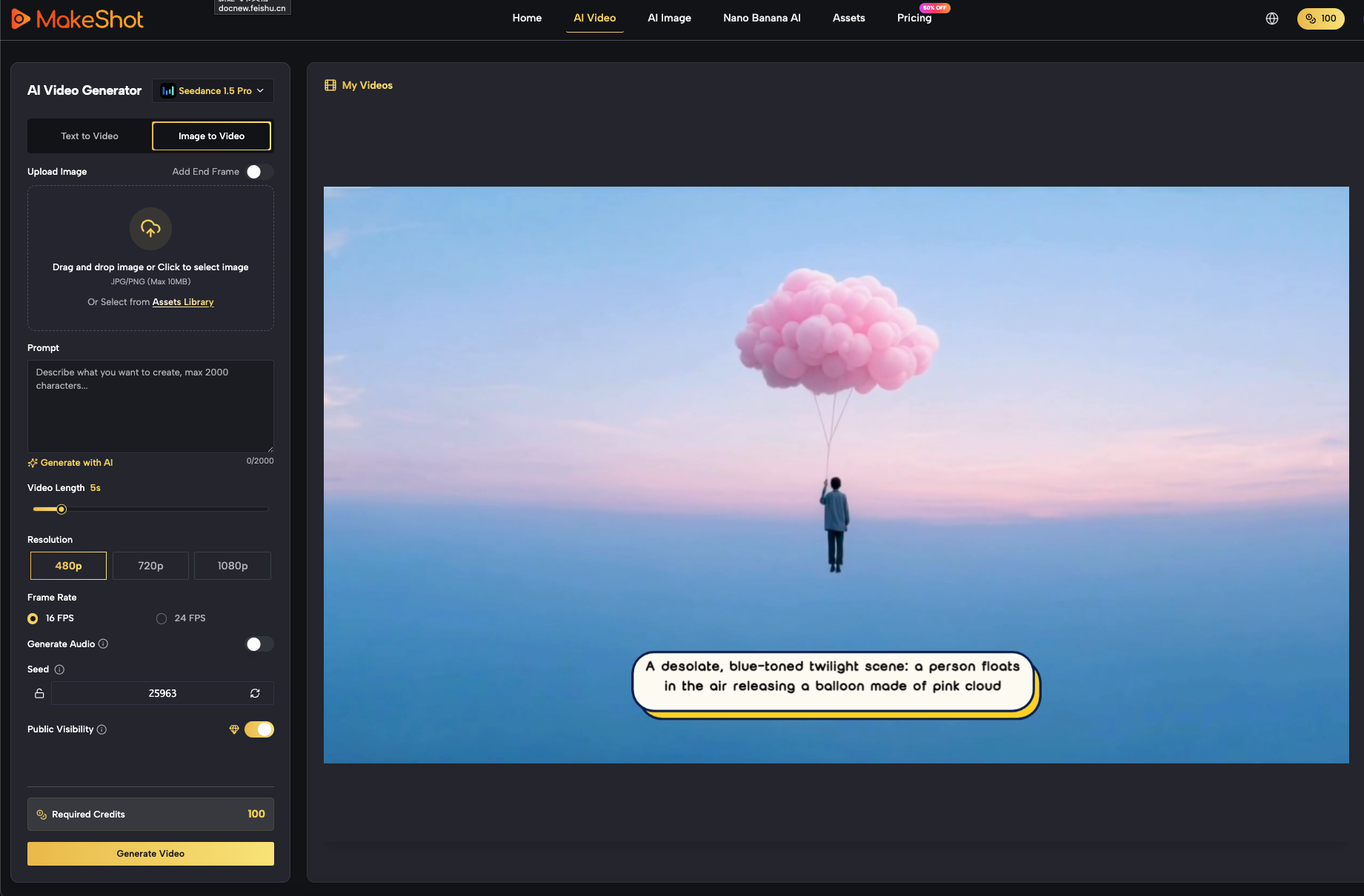
The industry is moving toward consolidation. Platforms like MakeShot are gaining traction not because they have a single “magic” model, but because they provide a unified interface for multiple models like Veo, Sora, and Banana. This allows a creator to stay in one environment while switching tools based on the specific requirement of the moment—whether that’s a quick sketch or a complex video sequence.
We must also acknowledge the inherent uncertainty of the current AI market. It is impossible to predict which specific model will be the performance leader six months from now. Therefore, tool loyalty is a liability. The smarter move is platform flexibility. Instead of mastering one isolated tool, creators should master the process of prompting and directing, using platforms that allow them to swap the underlying engine as the technology evolves.
Practical Judgment: How to Build Your Stack
When you sit down to choose your tools, ignore the flashy demo videos. Instead, run a “Stress Test” based on your actual work.
Pick a difficult prompt—something requiring specific spatial placement or complex lighting—and run it through three different models. Don’t look at the best result; look at the average of five results. This gives you a much clearer picture of the tool’s reliability than any benchmark graph ever could.
The goal isn’t to find the “best” AI. The goal is to find the most predictable one. In the world of indie making and content creation, predictability is what allows you to scale. It’s what turns a series of lucky “generations” into a professional production pipeline. Whether you are using a high-end AI Video Generator for a client project or leveraging the speed of Nano Banana AI for a quick social media post, the framework remains the same: minimize the friction between the idea in your head and the asset on your screen.