

Introduction
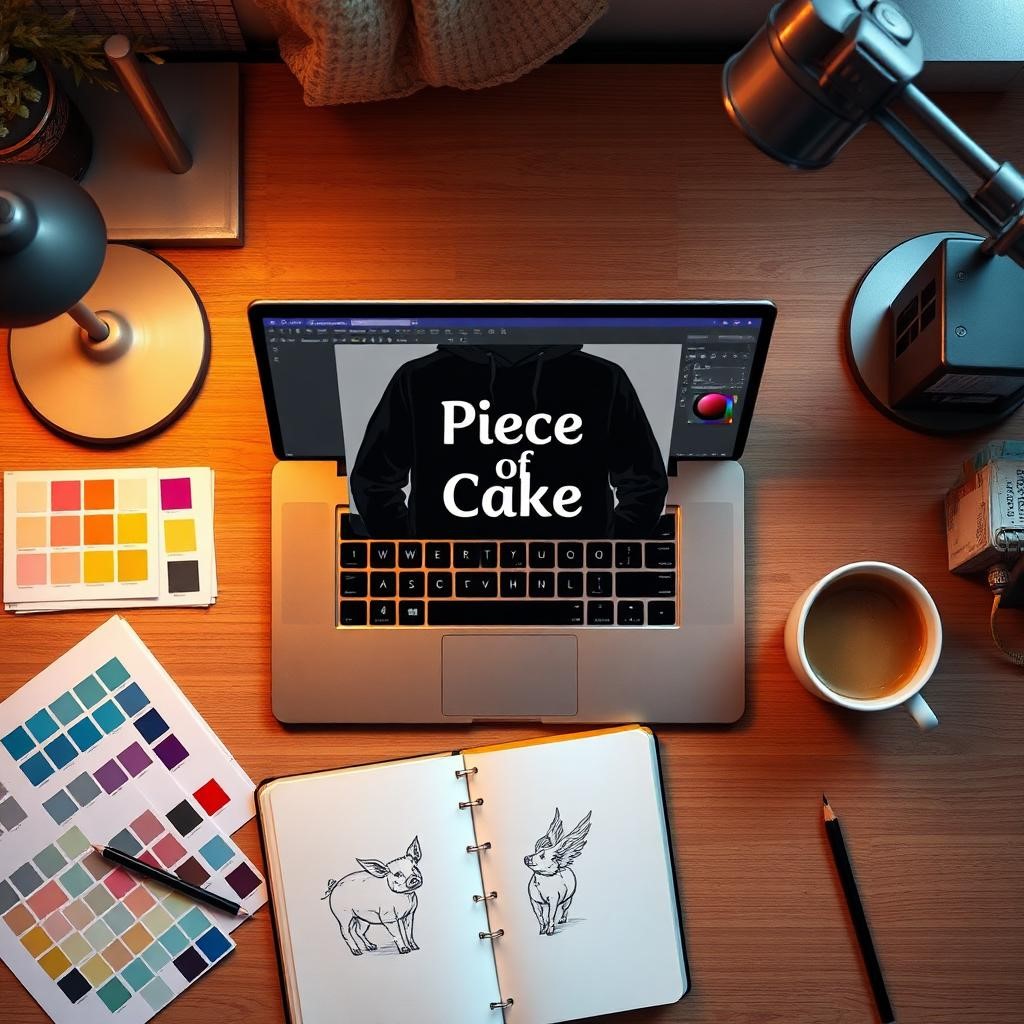
English is a funny language. We tell people to “break a leg” when we want them to succeed and describe an easy task as a “piece of cake.” Recently, I started a project to turn these sayings into wearable art, merging language and fashion with digital tools. This review details my experience with hoodie design and how Adobe Express can transform language into style.
The Concept: Merging Linguistics with American Streetwear Trends
Before starting with the software, we must define our desired aesthetic. Current streetwear in fashion hubs like New York and Los Angeles trends towards “elevated basics.” We prefer clean lines, bold typography, and humorous visuals, steering clear of messy graphics. I will explore phrases like “When Pigs Fly” and “Piece of Cake,” aiming to visually deconstruct these idioms. The platform must integrate space, typography, and imagery to translate these phrases into clothing design.
Takeaway: The main point is that to make streetwear work, you need to break down complicated ideas into simple visual forms that the spectator can understand right away.
Ease of Use: How US-Based Creators Can Use the Interface
Logging in reveals a clear UI perfect for the fast-paced U.S. digital creative sector, where efficiency is essential. The app prompts, “What do you want to make today?” Selecting “Hoodie” leads to a workstation with pre-set ratios. The intuitive sidebar organizes assets into Text, Media, Elements, and Grids for easy access. Layering enhances streetwear designs, and this tool manages layers effectively in a browser, allowing quick adjustments and grouping while preserving composition.
Takeaway: The interface puts workflow efficiency first, so designers can skip the technical learning curve and get right to designing.
Typography Tactics: Leveraging Fonts for Impact
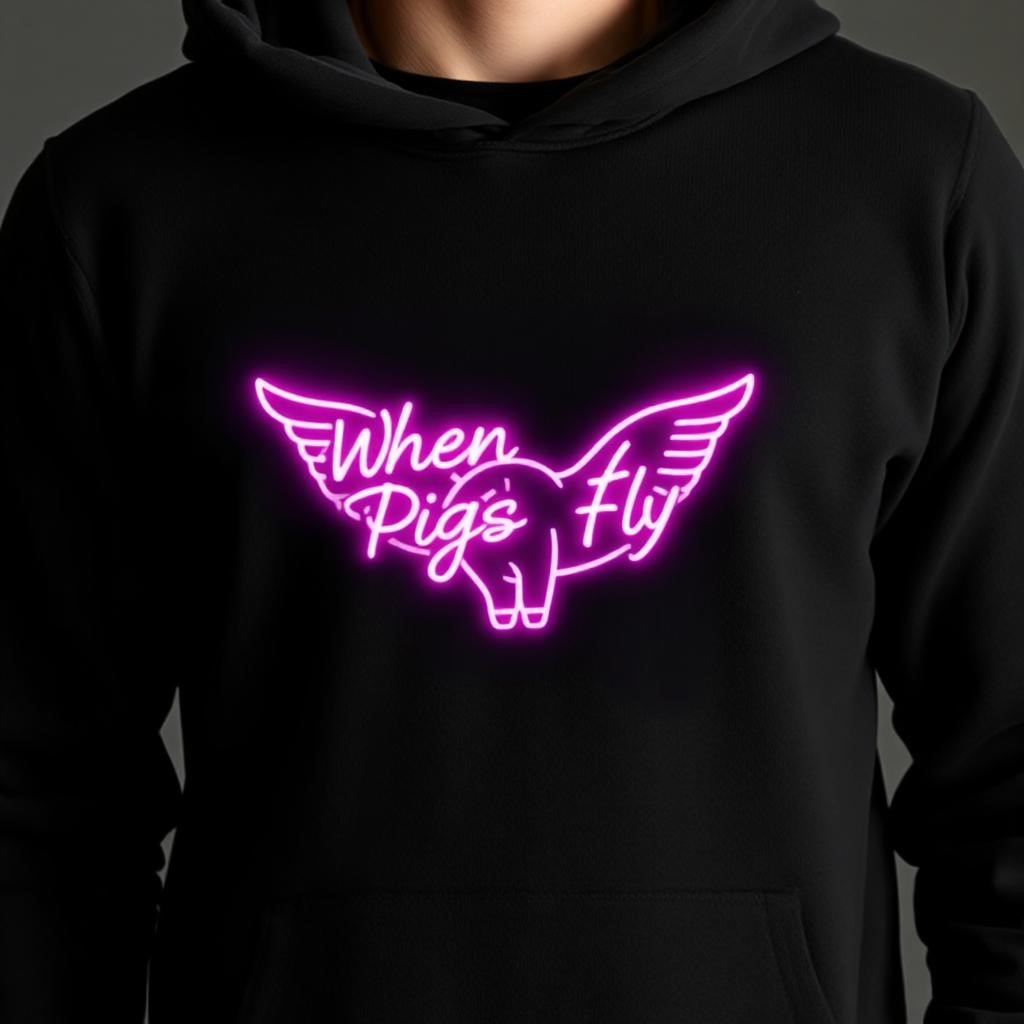
Streetwear heavily relies on typography; an incorrect typeface can ruin the vibe. This platform integrates with this tool’s fonts. For the “Piece of Cake” sweater, I sought a strong, slightly satirical font, avoiding defaults. I chose Acumin Pro for its industrial strength, allowing precise kerning and leading adjustments. For “When Pigs Fly,” I selected a rough script font for easy text curving, positioning it over an image without disrupting the layout, unlike other design apps.
Takeaway: To make clothes that look high-end instead of cheap, you need professional-quality fonts and advanced text-editing tools.
Visualizing the Metaphor: Icons and Generative AI
This review segment is intriguing. I explored the stock icon library and used Generative AI for “Barking Up the Wrong Tree.” I found various styles, from corporate to doodles. A simple geometric tree suited the “sleek” brief, but finding a dog was tough. Generative AI aided the hoodie design using a text-to-image generator. I entered: “Vector style minimalist line drawing of a dog looking up, with white lines on a black background.” The results were impressive, yielding four stylized versions. One was an abstract dog outline. I removed the background and combined it with my geometric tree, creating a cohesive visual.
Takeaway: Generative AI is a strong tool that helps designers make bespoke elements that fit specific style needs when stock libraries don’t have what they need.
The Mockup Feature: A Reality Check for Printing
It’s one thing to design on a flat white screen and another to see how that design looks on cloth. This is when the “Mockup” tool comes in handy. After finishing my “When Pigs Fly” design, which now had a glitch-art pig made by AI, I went to the mockup tab. This functionality is very important for North American dropshippers and designers who want to show buyers exactly what they are buying.
You may put your design on a 3D model of a hoodie with the mockup tool. I wanted to know more about:
- Texture Mapping: Does the design look like it’s sitting on the cloth, or does it look like a sticker that’s floating above it?
- Displacement: Does the graphic bend a little because of the folds and creases of the hoodie?
This digital tool did a great job here. The software automatically changed the lighting and shadows as I applied the design. The black lettering on my idiom appeared like it was partly absorbed by the grey heather fabric of the virtual sweatshirt, which made it look like it was printed on the screen. It also helps you find faults. I saw that my “Piece of Cake” font was too small to read from far away, so I made it bigger before saving the final file.
Takeaway: high-quality mockups are a must in the design process since they make sure that digital ideas can be made into real clothes.
Conclusion
It’s not easy to find your way around the junction between language and fashion. Idioms are strange, abstract, and cultural, which makes them great for imaginative visual storytelling. For this reason, my time reviewing Adobe Express was mostly good. It fills in the gaps for the “visual learner” who gets the idea but doesn’t have the technical skills of a great artist.
The platform is great at connecting with other things. It’s a big plus that you can get a professional typeface, make a custom AI image, and put it on a realistic mockup all in the same browser tab. It might not be as good as high-end vector software for professional fashion businesses, but for freelance creators, linguists who want to be designers, or streetwear fans, it’s a great place to experiment with. The process of designing the sweatshirt became less about fighting the software and more about having fun with English.
FAQS
1. Can I use this online tool for free to make hoodies for my business?
Yes, it has a free subscription that lets you utilize the designs you make for business. A Premium subscription, on the other hand, gives you access to the whole library of fonts, premium stock assets, and higher-quality generative AI credits, which are best for professional outcomes.
2. Can I print my designs with a clear background?
Yes, of course. You can get your finished creations as PNG files with backgrounds that are see-through. Most print-on-demand services and screen printers need this format to make sure the boxy backdrop doesn’t print on the fabric.
3. How well does the Generative AI work for certain text in pictures?
Generative AI is mostly for making textures and visuals, not for making text that can be read in the image itself. If you want the clearest and easiest-to-read results, make the artwork first and then use the Text tool to add your text on top of it.