
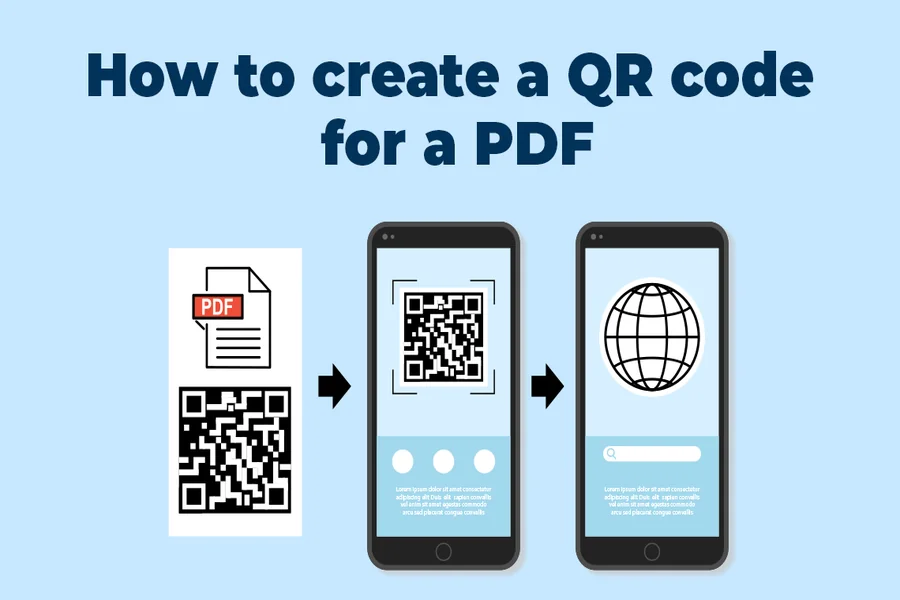

Today, people increasingly expect information to be easily found and accessible on a phone.
This is one of the reasons you’ll see so many instances in which using a QR code for your PDF can be the smart, convenient choice. Now people don’t have to worry about typing in a lengthy URL or digging through old emails. With a PDF QR code, they can access the information in question with an easy paper scan. It can be a practical option for businesses, schools, events and really anyone looking for ways to make information more accessible in a fast-moving digital world. Plus, in many cases, it can also remove some of the actual friction that can cause people to opt-out of reading the document at all—especially if they’re a shopper who cannot or simply doesn’t want to type anything in
What a PDF QR Code Generator Actually Does
A PDF QR code generator produces a scannable code that, when scanned with a phone camera or QR code reader app, opens a PDF file. In simpler terms, it’s a way to give print materials, signs, packaging, or displays an instantaneous connection to a digital document. Per Digital.gov’s guidelines on QR codes, you can use them to direct people to manuals, resource documents, and other online assets, which is what makes it a simple way to distribute a brochure, a form, a menu, instructions, or a handout without creating extra work.
Why A PDF QR Code Generator Is Useful In Everyday Communication
The value of a PDF QR code generator isn’t technical complexity. It is convenience. A restaurant can link to a menu, a school can share revision sheets, a venue can provide schedules, and a business can offer instruction sheets or product details in seconds. Instead of printing large quantities of paper or manually updating every handout, a single code can direct people to the latest version of a document. That is especially useful when information changes often or when space on the printed page is limited. It can also make communication look neater and more organised, because the document stays accessible without turning a flyer, poster, or noticeboard into a wall of text.
Where A PDF QR Code Generator Saves Time
A PDF QR code generator also makes workflows cleaner. It can reduce unnecessary printing, support mobile access, and make document distribution easier in offices, shops, classrooms, and public spaces. That practical advantage fits a wider pattern across digital tools: when access becomes easier, communication usually becomes more efficient as well. The same broader idea comes through in IdiomInsider’s look at how call queue software transforms support, with a focus on reducing friction and improving day-to-day processes. In that sense, a QR-linked PDF is not a flashy innovation. It is simply a smart way to help information move more smoothly from sender to reader.
What To Think About Before Sharing PDFs By QR Code
Before using a PDF QR code generator, it is worth checking that the PDF is mobile-friendly, clearly named, and not too large to load comfortably. The QR code itself should also be placed somewhere easy to scan and supported by a clear prompt, so people know what they are opening. The best results usually come when the document is useful, the scan is effortless, and the information feels worth accessing in the first place.