
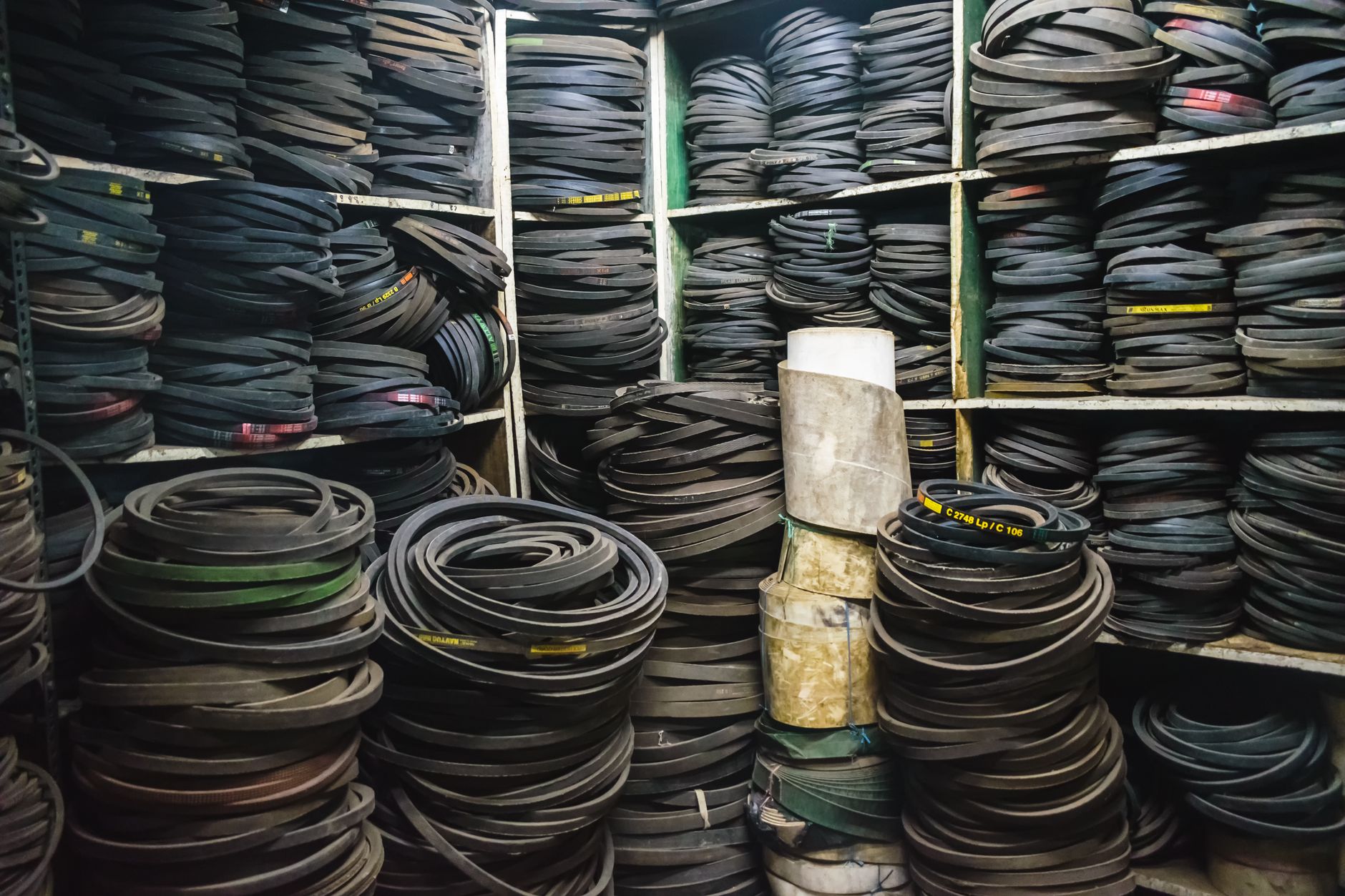

Every maintenance storeroom fails in one of two directions. Either the forty-dollar bearing is not on the shelf when a line stops, or there are three shelves of parts nobody has touched since the machine they fit was scrapped. Most storerooms manage to do both at once.
The two failures have the same root. Nobody knows which parts each asset uses, how often, or where the stock sits. Fix that, and the rest of spare parts inventory management is arithmetic.
What spare parts inventory management is
Spare parts inventory management is the practice of keeping the right maintenance parts in the right quantities at the right locations, so repairs are not delayed by missing stock and cash is not tied up in parts that never move. It covers part records, vendor records, quantities on hand, usage history against assets and work orders, reorder rules, and physical counts.
That is the textbook version. The working version is simpler: know what you use, know where it is, and buy before you run out.
Why storerooms drift
A storeroom rarely goes wrong in one big decision. It drifts.
Somebody orders a spare after a stockout, then orders two more "just in case." Nobody records which asset the part went to, so usage history never builds. A technician grabs a part at 6 a.m. and forgets to log it, and by Friday the system says four on hand when the shelf has one. Three plants each keep their own safety stock of the same motor. Min and max levels get set once, during the CMMS rollout, and never revisited. And no single person owns the storeroom, so everyone assumes someone else is watching.
None of this shows up on a report until the day a critical part is missing. By then the cause is months old.
Seven steps to a storeroom that works
1. Tie every part to the assets that use it. Start with your ten most critical assets. For each one, list the parts that would stop it if they failed and were not on hand. That list is the bill of materials, and it is the foundation for everything else. Do not try to do the whole plant at once. Ten assets this month, ten next month.
2. Classify by consequence, not by price. A cheap part that stops production is a critical spare. An expensive part with a two-day lead time and a backup unit on site is not. Sort your parts by what happens when you do not have them: production stops, production degrades, or nothing until the next PM. Critical spares get tighter counting and firmer reorder rules. Consumables get a bin and a min level and very little attention.
3. Set min and max from history, then revisit. For each part: average monthly usage, multiplied by supplier lead time in months, plus a safety margin sized to the consequence class. That is your minimum. Maximum is minimum plus one normal order quantity. Write the numbers down, and put a quarterly reminder on the calendar to check them against actual usage. Levels set once and forgotten are how the "just in case" pile forms.
4. Issue parts against work orders, every time. This is the step that stops leakage. A part leaves the storeroom only when it is charged to a work order, which charges it to an asset. Two things follow. Inventory counts stay honest, because every movement has a record. And usage history builds by asset, so you can see that the same conveyor has eaten six of the same belt this year and start asking why.
Technicians will resist for about a month. Make the issue step take under a minute on a phone and the resistance fades.
5. Count what matters, on a schedule. Cycle counts on critical spares monthly. Everything else once or twice a year. A full wall-to-wall count at year end catches errors after they have already cost you a stockout; a monthly count of fifty critical items catches them early.
6. Balance across sites before you buy. If you run more than one location, check the other storerooms before placing an order. A transfer between warehouses is usually faster than a supplier and always cheaper than carrying duplicate safety stock at every site. This only works if all locations share one inventory record, which is the strongest argument for a single system across the organization.
7. Review dead stock twice a year. Any part with no usage in 24 months and no critical-spare designation goes on a list. Return it, sell it, or write it off. Shelf space and working capital both have a cost, and a storeroom full of parts for retired equipment hides the parts you need.
Where software fits
A single storeroom with one technician can run this on a spreadsheet and a clipboard for a while. It stops working when usage has to be attributed by asset, when more than one site holds stock, or when the person who kept the spreadsheet leaves.
Spare parts inventory software inside a CMMS handles the mechanics: part and vendor records, quantities updated as parts are issued to work orders, usage history by asset, min and max reorder points, and stock visible across every location from one screen. MPACT CMMS by MPulse Software, as one example, tracks which parts went to which assets, balances stock across locations with inter-warehouse transfers, and can suggest stock orders and generate purchase requisitions where that add-on is enabled. Other CMMS platforms offer similar functions. The feature that matters most is the one in step four: parts issued against work orders, on a phone, in under a minute.
Whatever you use, configure the reorder rules from your own usage history. A default min level is a guess with a decimal point.
A min/max worksheet you can start with
For each critical spare, fill in five fields:
- Average monthly usage (from the last 12 months of work orders)
- Supplier lead time, in months
- Consequence class (stops production, degrades production, or waits for PM)
- Safety margin: two months of usage for "stops," one month for "degrades," none for "waits"
- Order quantity (the pack size or the supplier minimum)
Minimum equals usage multiplied by lead time, plus the safety margin. Maximum equals minimum plus one order quantity. Round up to whole units. Review every quarter.
That worksheet, applied to your top fifty critical spares, will do more for stockouts than any purchasing policy.
The honest summary
Stockouts and overstock are the same problem wearing different clothes. Both come from not knowing what you use and where it is. Link parts to assets, issue everything against a work order, count the critical items monthly, and set reorder levels from real history. The software keeps the record straight. The discipline is yours.
Publisher brief for this one
- Link: one contextual link, anchor "spare parts inventory software", to the feature page. Same dofollow expectation as article 1.
- Optional second link: none this time. The article stands on its own and a second MPulse link would look heavier than the first piece.
- Image: a storeroom shelf with labeled bins, or a technician scanning a part with a phone. Nothing with a warehouse robot in it.
- Author bio: same 60-word bio as article 1, homepage link only.
Product claims in the software paragraph are Confirmed: part-to-asset tracking, multi-location balancing, inter-warehouse transfers, and stock suggestions with purchasing as an add-on. The purchase requisition mention sets up article 4 without stealing its link.