

We have all had that moment of inspiration. You are scrolling through Instagram, watching a movie, or looking at a piece of concept art, and you think: “I want my Minecraft character to look exactly like that.”
Maybe it is a photo of yourself in your favorite streetwear. Maybe it is a sketch you drew in a notebook. Maybe it is a character from a new anime that hasn’t been made into a skin yet.
In the past, bridging the gap between a high-resolution photograph and a 64×64 pixel grid was a grueling task. You had to open a reference image on one monitor and a pixel editor on the other, painstakingly trying to match the hex code of your blue jeans or the specific curve of a hairstyle. It was a process of approximation, and usually, the result looked “off.”
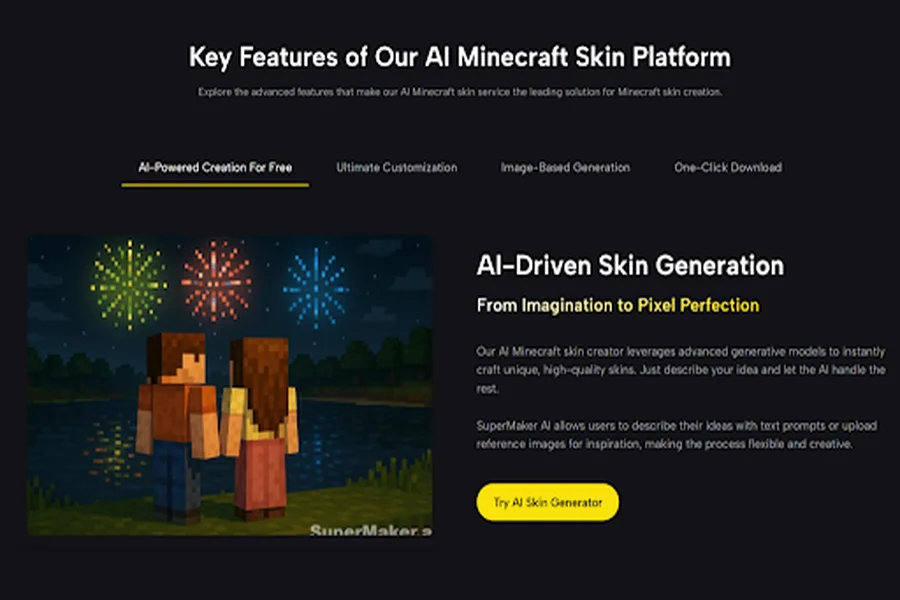
But the technology landscape in 2026 has offered us a shortcut. We no longer need to manually translate what we see into blocks. I recently spent a week testing the Image to Minecraft Skin technology by SuperMaker, and it fundamentally changes how we import reality into the digital world.
The Challenge of “Visual Translation”
Why is it so hard to turn a photo into a skin manually? It comes down to Resolution and Geometry.
A photo of a human is organic. It has curves, complex lighting, and millions of colors. A Minecraft skin is geometric. It is a collection of boxes with a very limited resolution.
When you try to do this manually, you often lose the “essence” of the image. You focus so much on the details that you miss the big picture.
The AI approach is different. It uses Computer Vision to analyze the structure of your uploaded image. It identifies:
- “This block of color is a jacket.”
- “This gradient is a shadow.”
- “This shape is a face.”
It then mathematically quantizes these features down to the pixel grid, preserving the identity of the image even as it loses resolution.
My Experiment: The “Real World” Test
To see if this was just a gimmick or a viable tool, I ran two distinct tests using the “Image to Skin” feature.
Test 1: The Personal Portrait (The “Mini-Me”)
I uploaded a selfie. The photo had difficult lighting—half my face was in shadow, and I was wearing a complex plaid shirt.
The Observation:
A standard “filter” would have just pasted the photo onto the face, creating a terrifying, distorted mess.
This engine, however, performed Facial Mapping.
- It recognized the shadow on the photo but corrected it slightly so the skin didn’t look asymmetrical.
- It simplified the plaid shirt. Instead of trying to render every single thread (which would look like noise), it created a simplified checkerboard pattern that read as plaid from a distance.
- Verdict: It successfully captured my likeness without creating a horror-movie monster
Test 2: The Concept Art (The “Fantasy” Test)
I uploaded a digital painting of a “Forest Druid” with glowing runes and a leaf cloak.
The Observation:
This is where the tool shined. It captured the Color Palette perfectly.
- It pulled the exact shades of moss green and bark brown from the artwork.
- It interpreted the “glowing runes” by using high-brightness pixels against a dark background, preserving the contrast.
- Verdict: It turned a 2D drawing into a 3D-ready asset in seconds.
Comparative Analysis: Manual vs. Algorithmic Conversion
Is it worth switching your workflow? Let’s look at the data comparing the old method of “eyeballing it” versus the new AI conversion.
| Feature | Manual Reference Copying | AI Image to Minecraft Skin |
| Color Accuracy | Low (Human eye is fallible) | Perfect (Hex code extraction) |
| Time Investment | 1–3 Hours | < 30 Seconds |
| Texture Depth | Flat (Unless skilled) | High (Noise & shading applied) |
| Proportion Logic | Difficult (Hard to map 2D to 3D) | Automated (Smart wrapping) |
| Skill Required | High (Pixel art theory) | None (Upload & Click) |
The “Hex Code” Advantage
The table highlights a critical advantage: Color Accuracy.
When you try to pick colors manually, you often end up with a skin that looks “washed out.” The AI extracts the exact vibrant colors from your source image and applies them to the skin, ensuring your character pops against the game environment.
The Technical Limitations: Managing Expectations
While the “Image to Minecraft Skin” technology is impressive, it is not magic. It is an interpretation engine.
The “Cape” Confusion:
If you upload a photo of a character wearing a long, flowing trench coat, the AI has to figure out how to map that onto a standard Minecraft leg model. Sometimes, it paints the coat onto the legs perfectly. Other times, it might look like pants. You may need to tweak the bottom half manually.
Resolution Crush:
If your source image has a t-shirt with a band name on it (e.g., “METALLICA”), the AI cannot render that text on a 12-pixel wide chest area. It will turn the text into a vague grey squiggle. This is a limitation of Minecraft, not the AI.
Lighting Artifacts:
If your source photo has a very strong lens flare or bright flash, the AI might interpret that white light as part of the skin color. It is best to use images with even, neutral lighting for the best results.
Strategic Use Cases for 2026
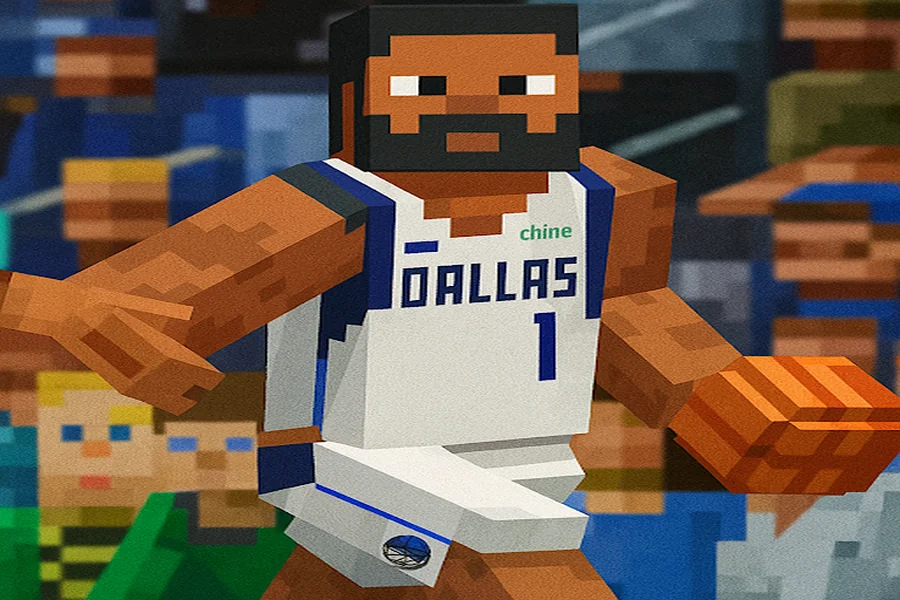
How can you use this to enhance your gaming experience?
1. The “Squad” Photo
You and your friends are starting a new SMP server.
- The Strategy: Take a real-life group photo of your friend group.
- The Action: Crop each person out and run them through the generator.
- The Result: Everyone logs into the server looking like their real selves. It adds a layer of immersion and connection that using random skins can’t match.
2. The “Cosplay” Stream
Streamers often dress up in real life for special events.
- The Strategy: Take a photo of your IRL costume.
- The Action: Convert it to a skin instantly.
- The Result: Your in-game avatar matches your webcam feed perfectly. This visual synergy creates a high-production-value feel for your audience with zero effort.
Conclusion: The Digital Mirror
The goal of a Minecraft skin is to project an identity.
For years, that projection was blurry. We had to compromise. We had to settle for skins that were “close enough” to what we wanted.
AI Video Generator Agent wipes away that compromise. It acts as a digital mirror, allowing you to reflect any image, any photo, or any concept directly into the game world.
Whether you want to play as yourself, your favorite movie hero, or a drawing you made in class, the barrier is gone. You don’t need to be an artist anymore; you just need to have a vision—and a picture of it.