
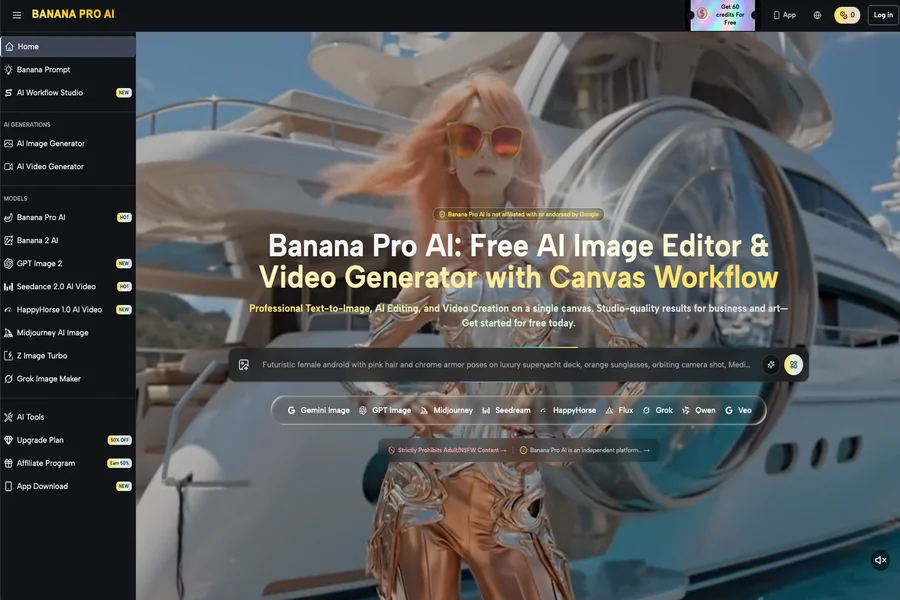

In the current landscape of generative media, the distance between a polished brand asset and a coherent AI video clip is often filled with unwanted artifacts, distorted geometries, and that pervasive “melted” look that signals a poorly handled model. For product teams looking to build launch assets, the primary frustration isn’t a lack of tools, but a lack of structural integrity. When you feed a high-resolution, branded product shot into an off-the-shelf generative model, the AI treats your carefully curated composition as a rough suggestion rather than a blueprint.
The result? Your product loses its defining silhouette, logos drift into abstraction, and the motion feels erratic. Moving beyond this randomness requires a fundamental shift in workflow. Instead of treating video generation as an act of “prompting into existence,” practitioners must view the static image as a fixed spatial constraint. By adopting Banana Pro within a managed workflow, you can pin your assets to a specific geometry, ensuring that the movement remains a controlled extension of the original image rather than a wild hallucination.
The Fidelity Gap in AI Video Generation
The “fidelity gap” describes the breakdown that occurs when a model attempts to infer temporal movement from a single frame. Standard text-to-video models are trained to maximize novelty and fluid transition, which is excellent for creative exploration but catastrophic for product-focused content. If you are launching a new hardware piece or a specific UI design, the model’s tendency to “re-imagine” the subject mid-frame is not a feature—it is a bug.
This loss of structural fidelity stems from how latent space models treat image inputs. Without explicit constraints, the model assumes every pixel is negotiable. To maintain brand consistency, we have to flip the script. The goal is to move away from open-ended generative prompts and toward a “scaffolded” generation process. This means the AI should be restricted to applying vector-based movement to identified masks or silhouettes, keeping the core identity of the product locked while the environment or secondary elements provide the kinetic energy.
Prep-Work: Using the AI Image Editor as a Motion Scaffold
Before you even consider pushing an asset into a video pipeline, you must prepare the environment. Using an AI Image Editor as a pre-processing step is not just about cleaning up the image; it is about defining the boundaries of movement. By segmenting the foreground, midground, and background, you create a spatial hierarchy that the video model can interpret.
In a professional workflow, the image is a map. If you simply upload an unmasked file, you are essentially asking the model to interpret depth where none has been encoded. Tools that offer a canvas-based approach allow you to define what is “static” (your product, your logo, your core interface) and what is “dynamic” (lighting, particles, motion blur).
By tightening the input parameters during this stage—specifically by ensuring high-contrast edges on your primary subject—you significantly reduce the “drift” that causes objects to mutate in motion. Think of the AI Image Editor as the architectural rendering phase; if your foundation is messy or lacks clear separation, the subsequent motion pass will inevitably collapse. It is a tedious, technical hurdle, but it is the only way to avoid the visual artifacts that plague automated generation.
Executing Controlled Motion with Nano Banana
Once your canvas is prepped, the move to motion requires a tool capable of interpreting these constraints. This is where Nano Banana enters the pipeline. Rather than utilizing a “randomize” approach, the objective here is to link specific regional outputs to defined motion vectors.
The workflow is straightforward but requires operator discipline:
- Segmentation: Identify the zones of the static asset that require motion (e.g., a background glow or subtle camera push).
- Constraint Setting: Use the canvas to isolate your product. If the product is not masked or anchored, it will lose its texture as the model attempts to interpolate frames.
- Intensity Mapping: Apply motion to the background layers using Nano Banana to maintain a sense of parallax. The product remains fixed in the center, acting as a stable anchor for the viewer’s eye.
This is not a “one-click” solution, and that is precisely why it is effective. If you encounter flickering—a common issue where the AI struggles to hold color values across sequential frames—you need to step back and re-evaluate your motion intensity settings. Expect that you will have to iterate on these inputs. If a particular frame sequence fails to hold, reduce the motion intensity until the temporal coherence is restored.
Beyond the Hype: Assessing Reliability in Production Pipelines
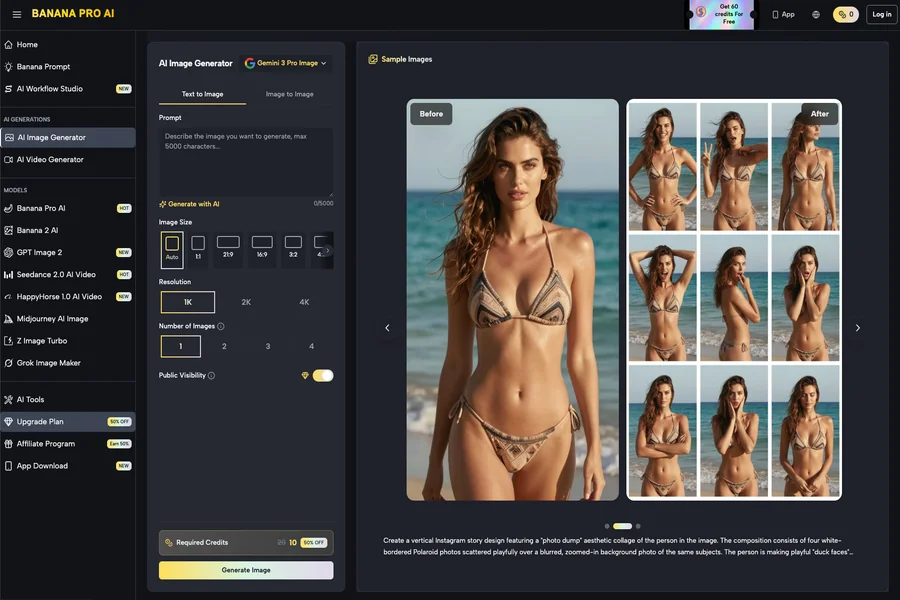
When integrating these tools into a production environment, there is a tendency to oversell the capability of “instant” generative media. Let’s be clear: there are real limitations to how much control you can exert over generative video. Complex logo animations, specific text readability, or perfectly articulated mechanical movements are currently outside the scope of reliable generation.
In cases where absolute fidelity is non-negotiable—such as high-end brand films or precise product demonstrations—you must be willing to accept that generative video is a supplement, not a replacement. You might use Banana AI to create atmospheric B-roll or dynamic background elements that would otherwise require days of manual compositing in software like After Effects. However, for the product centerpiece itself, static transitions or traditional animation often remain the safer bet.
We see the most success in teams that use Nano Banana Pro to handle the heavy lifting of procedural textures and environments while keeping the critical product shots grounded in static, high-res plates. This hybrid approach—marrying AI-generated motion with static brand anchors—is the current ceiling for reliable, high-fidelity marketing assets.
As these models continue to evolve, the expectation-reset is necessary. We are moving toward a period of higher technical skill requirements, not lower. The future of AI-driven creative operations is not just about the generation process; it is about the “operator layer.” By controlling the image canvas, masking intelligently, and applying motion in deliberate, contained zones, creators can bypass the common pitfalls of the current generative era. The tools like Nano Banana or the broader Banana Pro suite are best treated as fine-tuned instruments in a larger toolkit, rather than a magical button that solves for brand identity in a vacuum. Start with a solid, high-resolution static foundation, and treat every frame of motion as a technical decision rather than a stylistic accident.